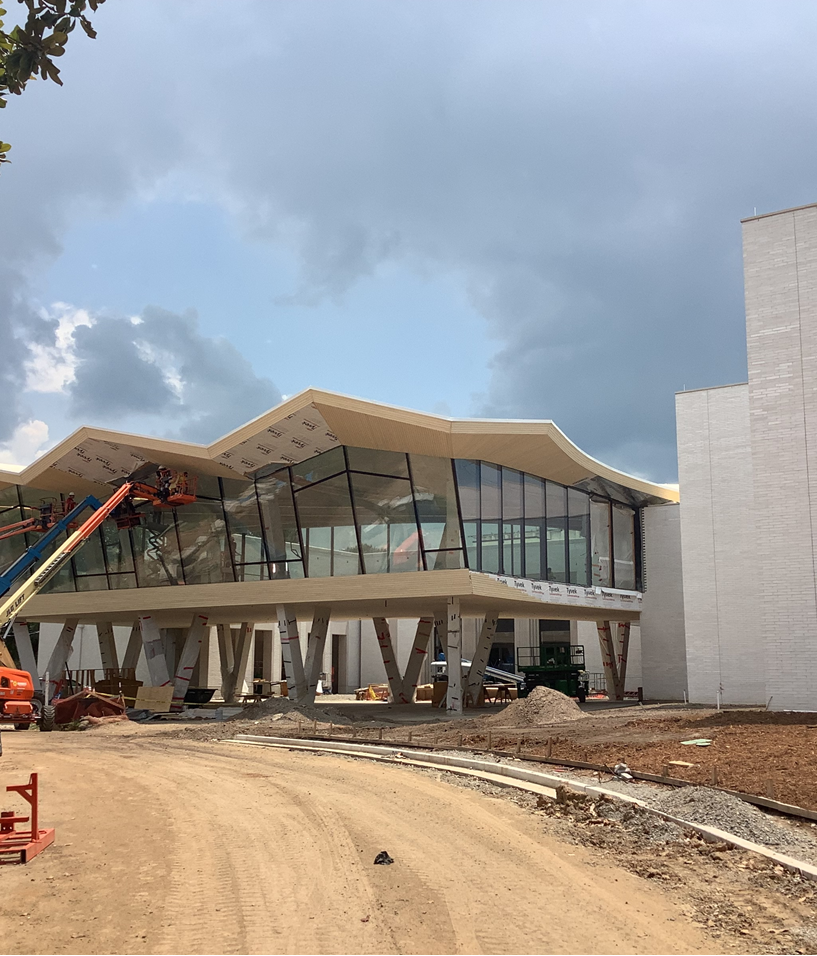
Provide your project teams with visibility into prefab orders and their real-time status.
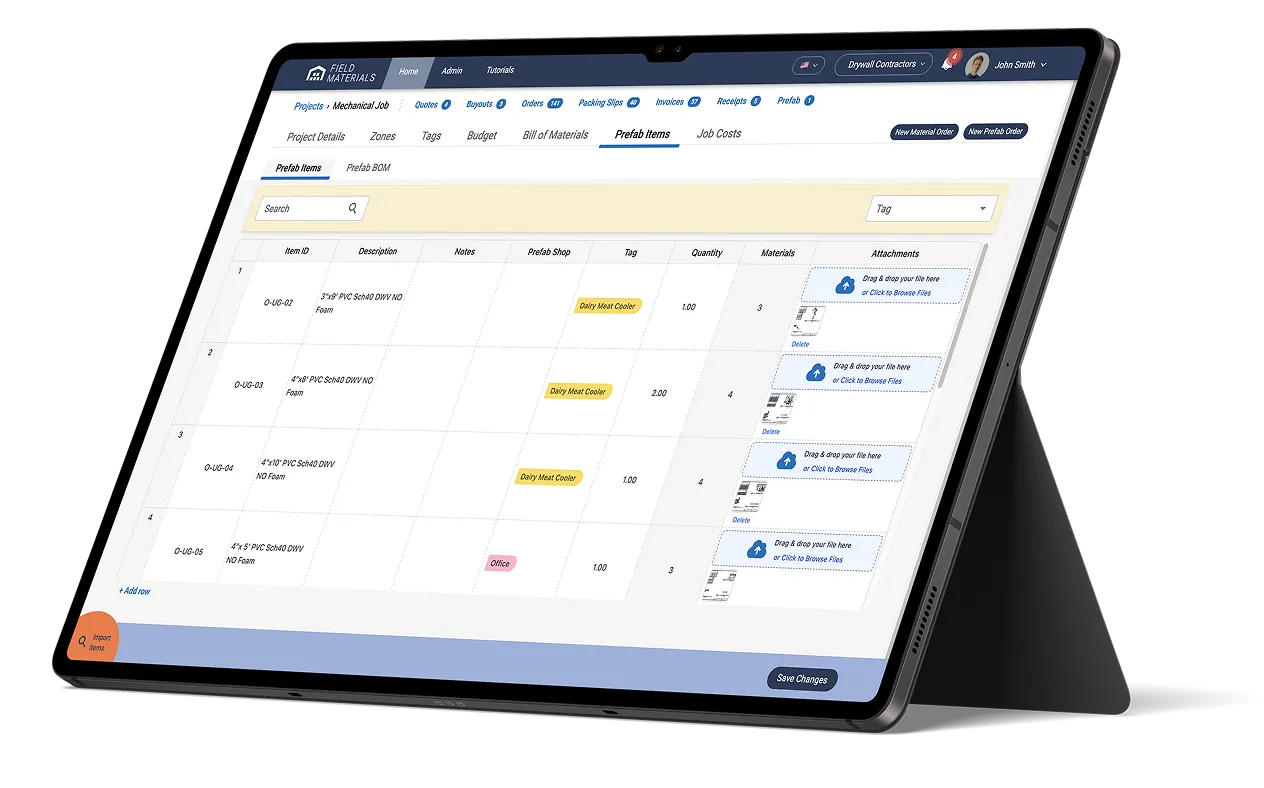
Make it easy for the field staff to request prefab components (e.g., spools) and automate ordering of materials for prefab components by using the bill of materials (BOM) from BIM.
Streamline your prefab operations
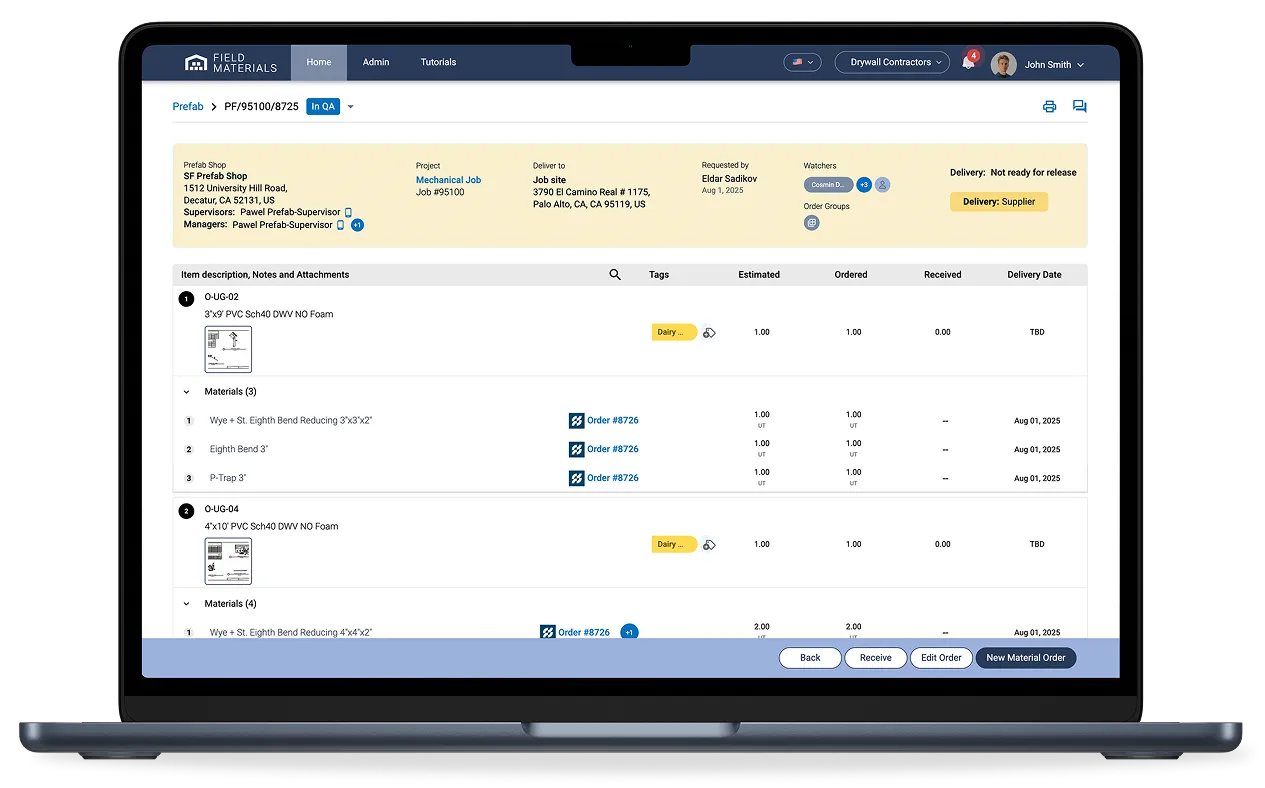
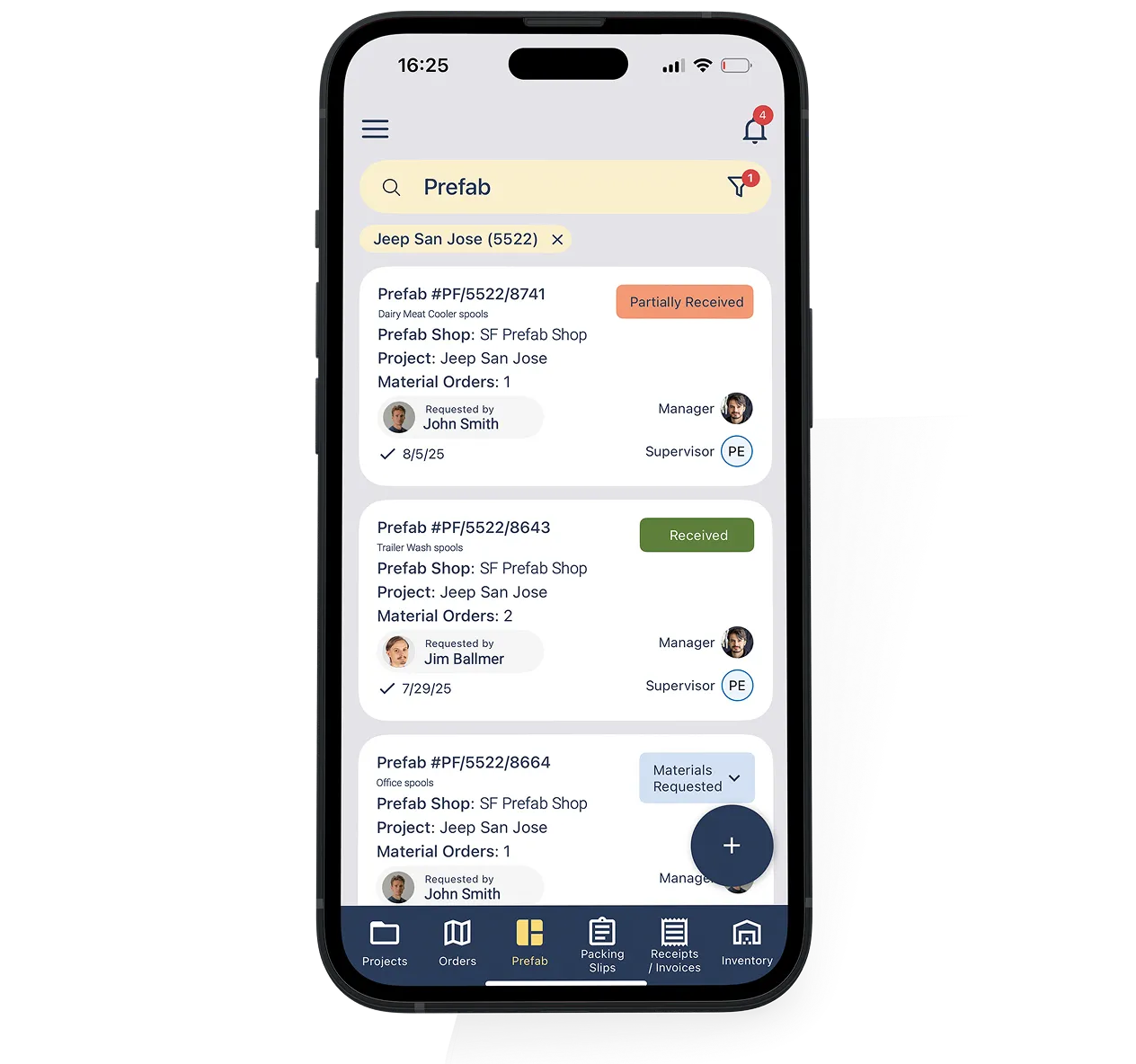
A major challenge for MEP contractors is coordinating field construction with prefabrication activities: requesting prefab orders, knowing where they stand, and coordinating their delivery and installation. Prefab software makes it easy for field staff to request prefab components for manufacturing and helps track the status of prefab orders as well as the status of materials needed to build each component. Field staff no longer need to call the shop to ask where a particular prefab component is in its fabrication process. They can see the status real-time. Procurement teams in the office can use prefab software to automate the entire material ordering process and the status of material orders is updated in real-time for each prefab component.
Some of the features to look for in prefab software are:
We have a dedicated prefab module for this use case. Prefab components (e.g., spools in mechanical trade) are set up at the project level where each component has a dedicated bill of materials. When a PM or field staff need specific prefab components, they request them via the mobile app by selecting specific components set up at the project level. Prefab manager reviews and confirms such orders. Once confirmed, purchasing teams use the bill of materials for the components set up at the project level to order materials from vendors.
Prefab orders have special statuses that make it easy to track their current state:
As a prefab order goes through these stages, field teams can check on the status without the need to call the office or prefab shop. Whenever the order is fabricated and is ready for shipment, field staff can request their shipment to the job site by setting the status to “Ship now”.
Actual delivery of the prefab order is confirmed via the mobile app with an optional packing slip that could be attached.
We have built-in integrations with all major construction ERPs:
The integration is bi-directional, meaning we pull information from your ERP and push information back into it. We pull in your projects, vendors, cost codes, cost types, and budgets so everything's already set up when you start using Field Materials. When you create purchase orders or approve invoices in Field Materials, that information flows back into your ERP with full job and cost coding. Your accounting team doesn't have to do duplicate data entry.
If you're using an ERP we don't currently integrate with, we can build custom integrations as long as your ERP has an API. The integration typically takes a few weeks to develop after you sign a contract with us.