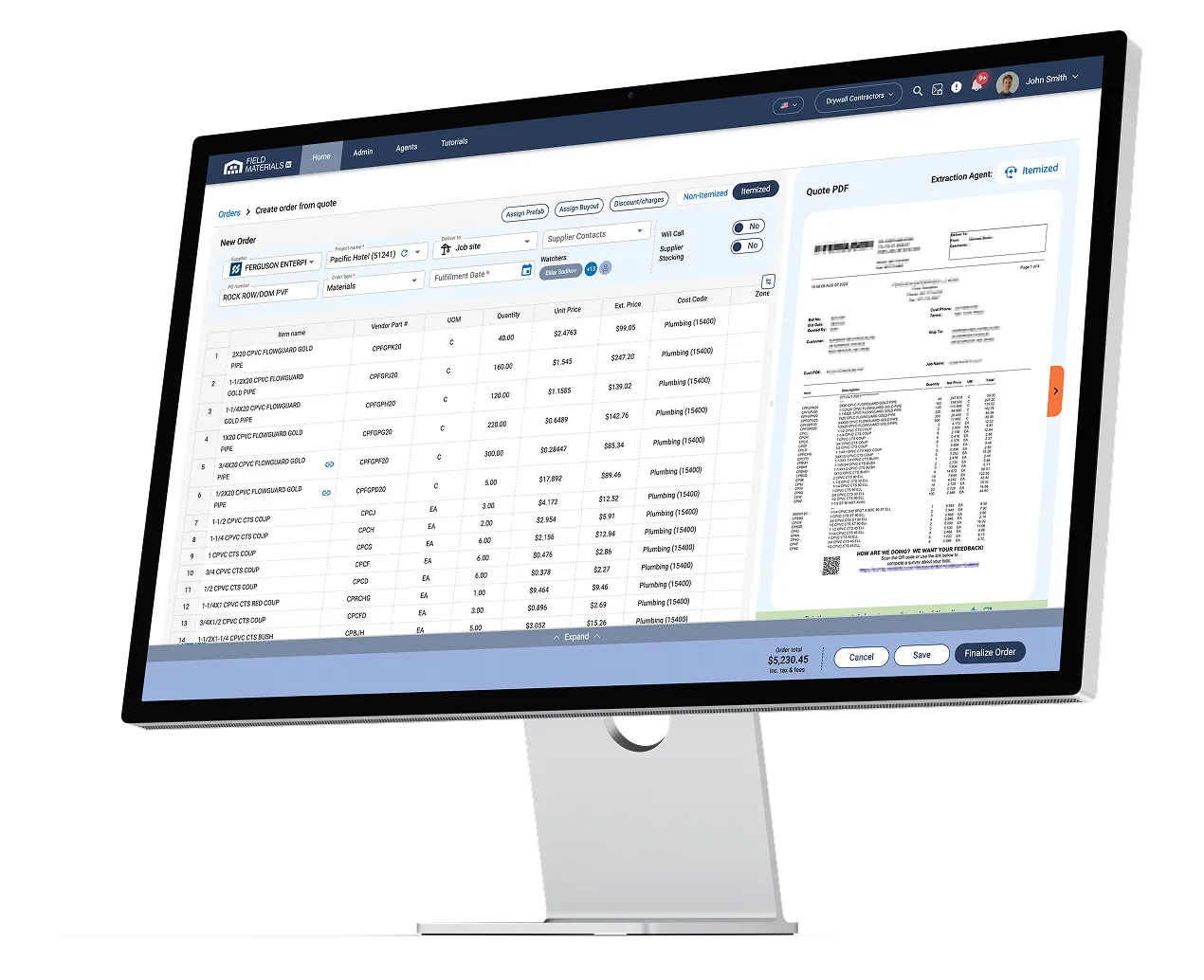
Field Materials pulls your FOUNDATION jobs, cost classes, cost codes, and vendors, so POs are coded correctly at creation. Invoices arrive by email, get matched to the PO, coded to the right job and cost code, verified, approved, and posted. 90% less PO and invoice processing time.
FOUNDATION Software is an integrated construction platform for job cost accounting, change orders, and project management. Field Materials partnered with FOUNDATION directly to build this integration — it automates the purchasing and AP work.
Best construction purchase order software
Best AP automation software for construction
.webp)
Leading construction inventory management software



Field Materials AI communicates with Foundation Software via a secure ODBC connection.
Every invoice type, coded correctly
Because invoices clear in days rather than weeks, project managers see committed, received, invoiced, and paid costs against the Foundation budget while the job is still running — not after the period closes.
AP automation for FOUNDATION is software that receives vendor invoices, matches them to FOUNDATION purchase orders and delivery records, codes them to the right job and cost code, routes them for approval, and posts them into FOUNDATION without manual data entry. Field Materials provides AP automation and purchase orders for FOUNDATION, handling the work before a transaction reaches your accounting system.
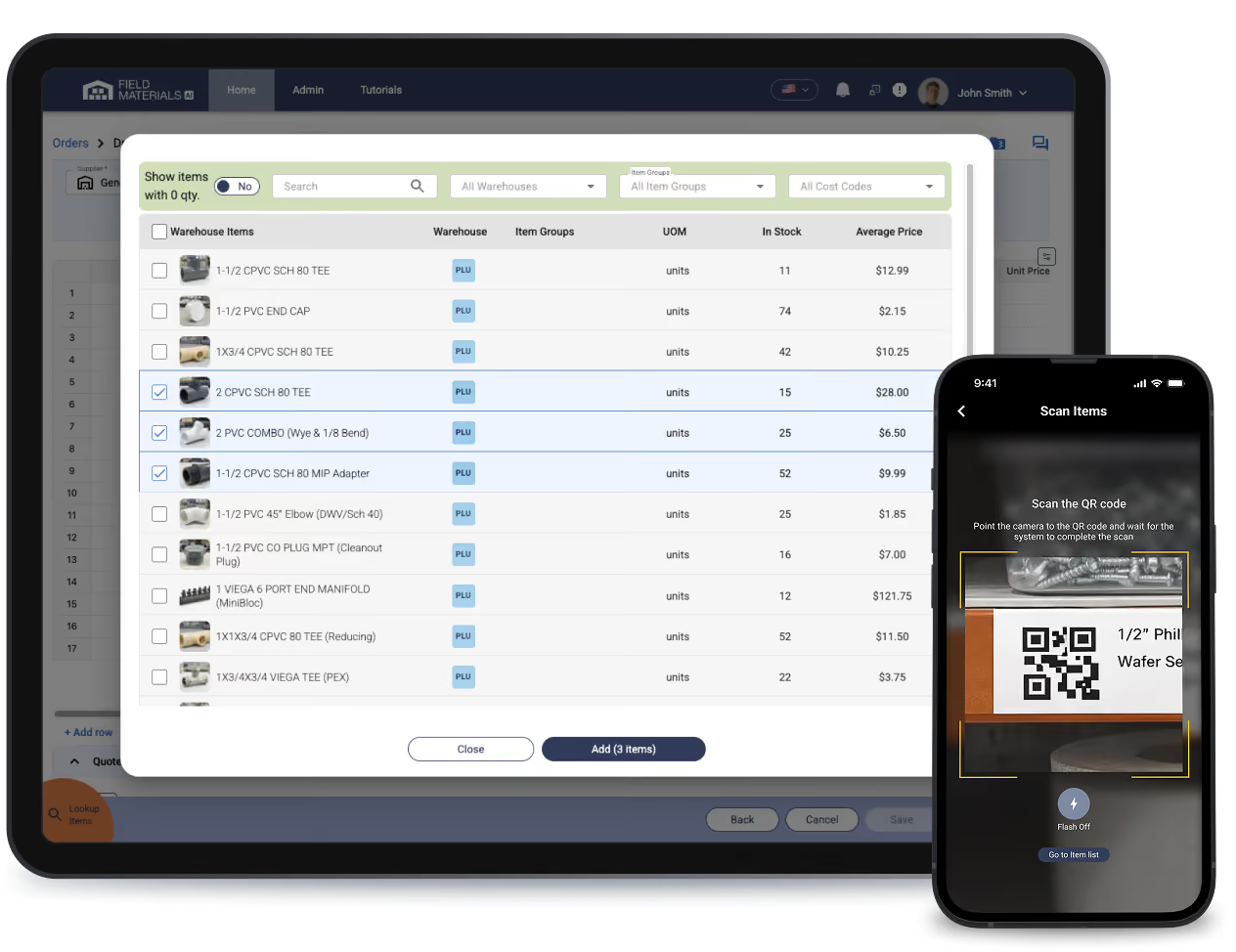
FOUNDATION software doesn't include AP automation and does not capture delivery records from the field or check invoice lines against received quantities. Field Materials adds that layer. Crews photograph packing slips on delivery, each invoice line is matched against both the FOUNDATION purchase order and what actually arrived, and only verified, coded records post to FOUNDATION.
Field Materials reads every line of the invoice, matches it to the FOUNDATION purchase order, and applies the job, cost codes from that purchase order. Invoices with no PO are coded from the vendor's default settings or from past invoices, and a single invoice can be split across several cost codes or jobs. Project managers see committed and actual costs against the FOUNDATION job budget while the job is still running.
Yes — Field Materials matches each invoice line against both the FOUNDATION purchase order price and the quantity actually delivered. Field crews photograph packing slips in the mobile app, which creates the received-quantity record. Price and quantity discrepancies are flagged before the invoice posts to FOUNDATION. This is a true three-way match, not a header-total check.
Yes. Field Materials supports connecting multiple companies within a single FOUNDATION instance. You can assign users to specific FOUNDATION companies, allowing each user to switch between the companies they have access to while working in Field Materials.
Yes. Field Materials controls who approves purchase orders and invoices before anything posts to FOUNDATION, using role-based permissions and optional dollar thresholds.
Access control
Purchase orders
Invoices
For both, approvers are notified by email, text and in-app, and Field Materials keeps an audit trail of who requested and who approved. Settings can be changed at any time.
Field Materials matches your existing FOUNDATION conventions rather than forcing new ones. Supported customizations include: