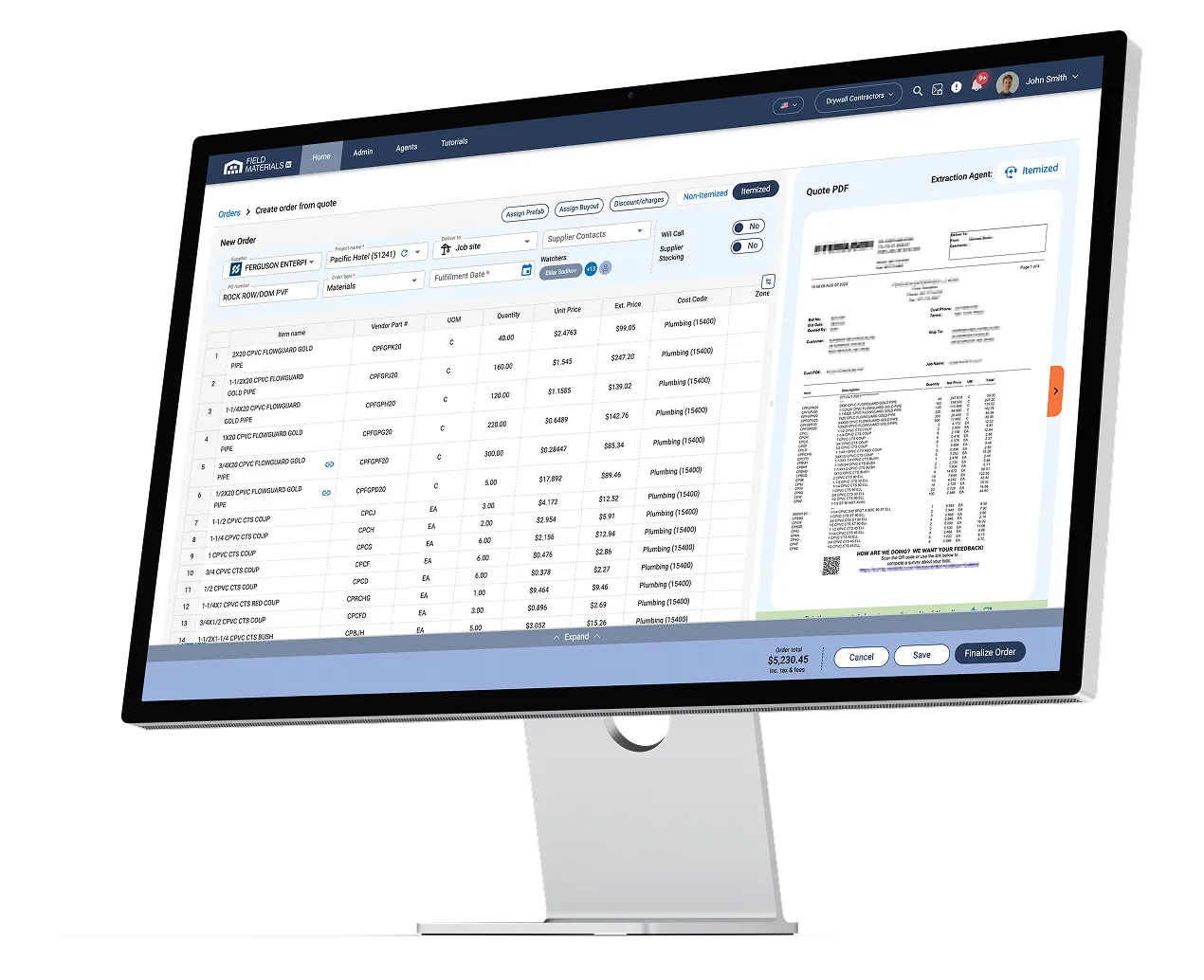
A connector installed on your local network syncs projects, classes, items, and vendors from QuickBooks Desktop. POs go out itemized and mapped to the right QuickBooks items, and bills and expenses come back verified, approved, and posted. 90% less PO and invoice processing time.
QuickBooks Desktop is a leading accounting platform for small and mid-sized businesses, but it wasn't built for construction purchasing. Field Materials adds the job-level PO, delivery, and AP automations, without changing how your books work.

Best construction purchase order software
Best AP automation software for construction
.webp)
Leading construction inventory management software
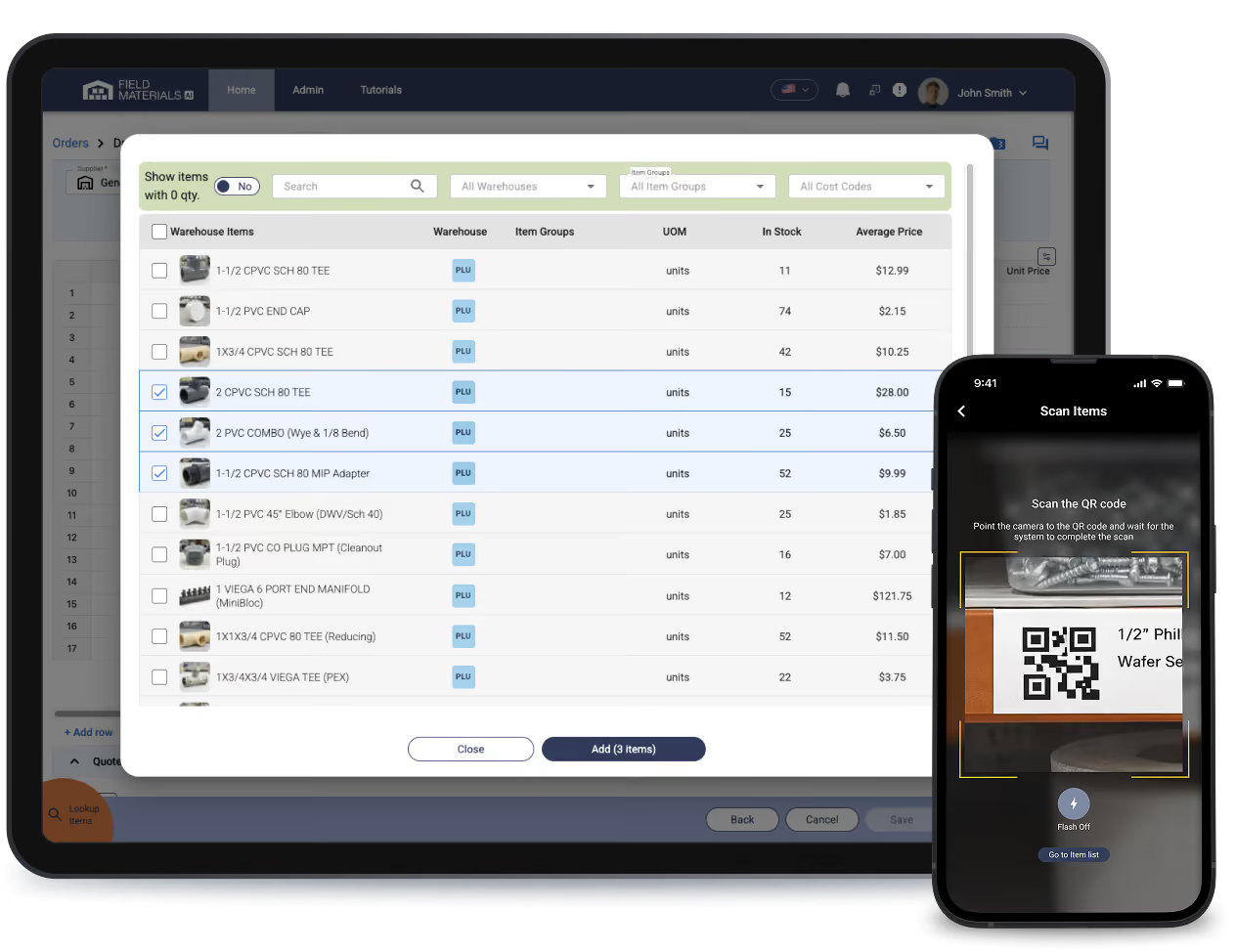



Field Materials AI communicates with QuickBooks through a connector that you install in your office network. Completely secure, no open ports.
Every bill and expense type, coded correctly
Because bills and invoices clear in days rather than weeks, project managers see committed, received, invoiced, and paid costs against the QuickBooks budget while the job is still running — not after the period closes.
AP automation for QuickBooks Desktop is software that receives vendor invoices, matches them to QuickBooks Desktop purchase orders and delivery records, codes them to the right job and QuickBooks items, routes them for approval, and posts them into QuickBooks Desktop without manual data entry. Field Materials provides AP automation and purchase orders for QuickBooks Desktop, handling the work before a transaction reaches your accounting system.
QuickBooks Desktop doesn't include AP automation, and it does not capture delivery records from the field or check invoice lines against received quantities. Field Materials adds that layer. Crews photograph packing slips on delivery, each invoice line is matched against both the QuickBooks Desktop purchase order and what actually arrived, and only verified, coded records post to QuickBooks Desktop.
Field Materials reads every line of the invoice, matches it to the QuickBooks Desktop purchase order, and applies the job, classes from that purchase order. Invoices with no PO are coded from the vendor's default or from past invoices, and a single invoice can be split across several cost codes or jobs. Project managers see committed and actual costs against the QuickBooks Desktop budget while the job is still running.
Yes -- Field Materials matches each invoice line against both the QuickBooks Desktop purchase order price and the quantity actually delivered. Field crews photograph packing slips in the mobile app, which creates the received-quantity record. Price and quantity discrepancies are flagged before the invoice posts to QuickBooks Desktop. This is a true three-way match, not a header-total check.
Yes. Field Materials supports connecting multiple companies within a single QuickBooks Desktop instance. You can assign users to specific QuickBooks Desktop companies, allowing each user to switch between the companies they have access to while working in Field Materials.
Yes. Field Materials controls who approves purchase orders and invoices before anything posts to QuickBooks Desktop, using role-based permissions and optional dollar thresholds.
Access control
Purchase orders
Invoices
For both, approvers are notified by email, text and in-app, and Field Materials keeps an audit trail of who requested and who approved. Settings can be changed at any time.